The Essential Minecraft Server Plugins (2026)
If you run a community Minecraft server, plugins are your best friends: permissions, area protection, player management, anti-grief… they turn a bare server into an organized, enjoyable place to play — and the big win is that your players have nothing to install on their end. Here are the essential Minecraft plugins to install on a server in 2026, and how to add them in just a few clicks.
Plugins or mods: what's the difference?
Plugins (Paper, Spigot, Bukkit) are installed server-side only and change how the server behaves: administration, protection, economy… Your players connect with a regular Minecraft client, no downloads needed. Mods (Forge, Fabric, NeoForge), on the other hand, add game content and must be installed by everyone. For a survival/community server, the usual pick is Paper + plugins. (For modded content, see our guide to the best Minecraft mods.)
The essential Minecraft plugins
1. EssentialsX — the core toolbox
Essential commands: /home, /tpa, /warp, kits, messages… It's the foundation of nearly every server. Install it first.
2. LuckPerms — permission management
The standard for managing ranks and permissions (admin, moderator, VIP, player). A must as soon as you have a staff team or ranks.
3. WorldGuard + WorldEdit — protect and build
WorldEdit for mass terrain editing, WorldGuard for protecting areas (spawn, shops, arenas). The essential duo for a well-structured server.
4. CoreProtect — anti-grief and rollback
Logs every player action and lets you undo a grief in seconds. A safety net every admin wishes they'd installed before the incident.
5. Vault — the economy glue
The bridge between economy, permission and shop plugins. Required by many other plugins.
6. GriefPrevention or Towny — player territories
Let your players claim and protect their own land. GriefPrevention for simplicity, Towny for a deeper town system.
7. Chunky — pre-generate the map
Pre-generates the world to avoid generation lag while players explore. A simple, effective performance win.
8. ViaVersion — accept more client versions
Lets players on different Minecraft versions join your server. Handy for not losing anyone with each update.
9. Dynmap — your server's online map
An interactive map of your world, viewable in a browser. Great for the community and for watching builds evolve.
How to add plugins to your server
On Game-Servers, pick the Paper server type in the configurator, then drop your plugins into the dedicated folder via file access. One restart and you're set — your players don't have to do a thing.
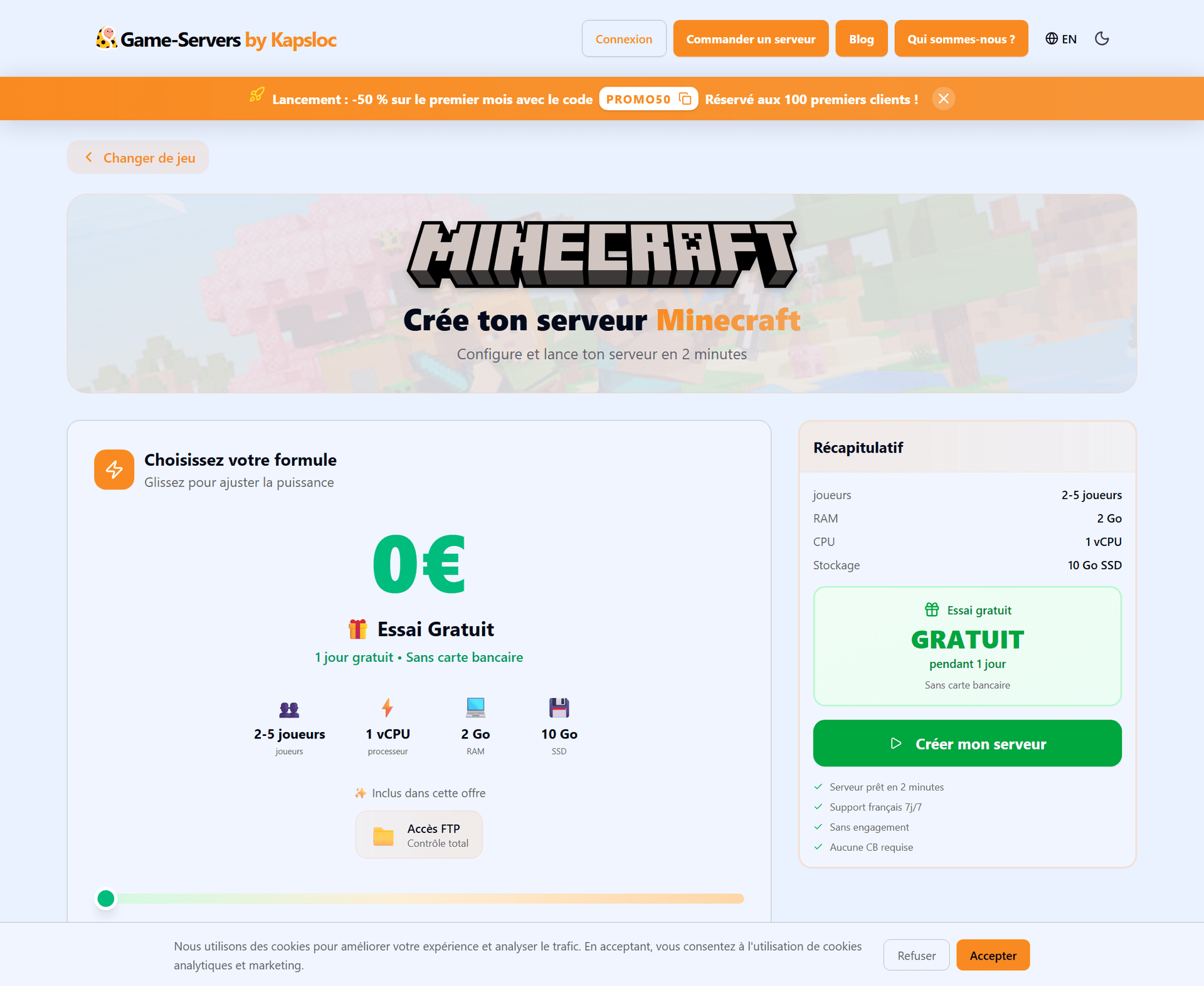
All of it hosted in France, with automatic updates and a 24-hour free trial — no credit card — to test everything before diving in.
FAQ
Do players need to install the plugins?
No: plugins live server-side only. Your players connect normally, without downloading anything. That's the whole advantage over mods.
How many plugins can I install?
As many as your server can handle — just keep an eye on RAM and performance. Start with the essentials and add more as needed.
Which server version should I use for plugins?
Paper is recommended: fast, Bukkit/Spigot compatible and very well maintained. You can select it right in the configurator.
Ready to get your server organized?
With a handful of well-chosen plugins, your Minecraft server becomes organized, protected and a pleasure to run — without asking anything of your players. Pick Paper, add your plugins and launch your community.
👉 Launch your Minecraft server — 24h free trial, no credit card