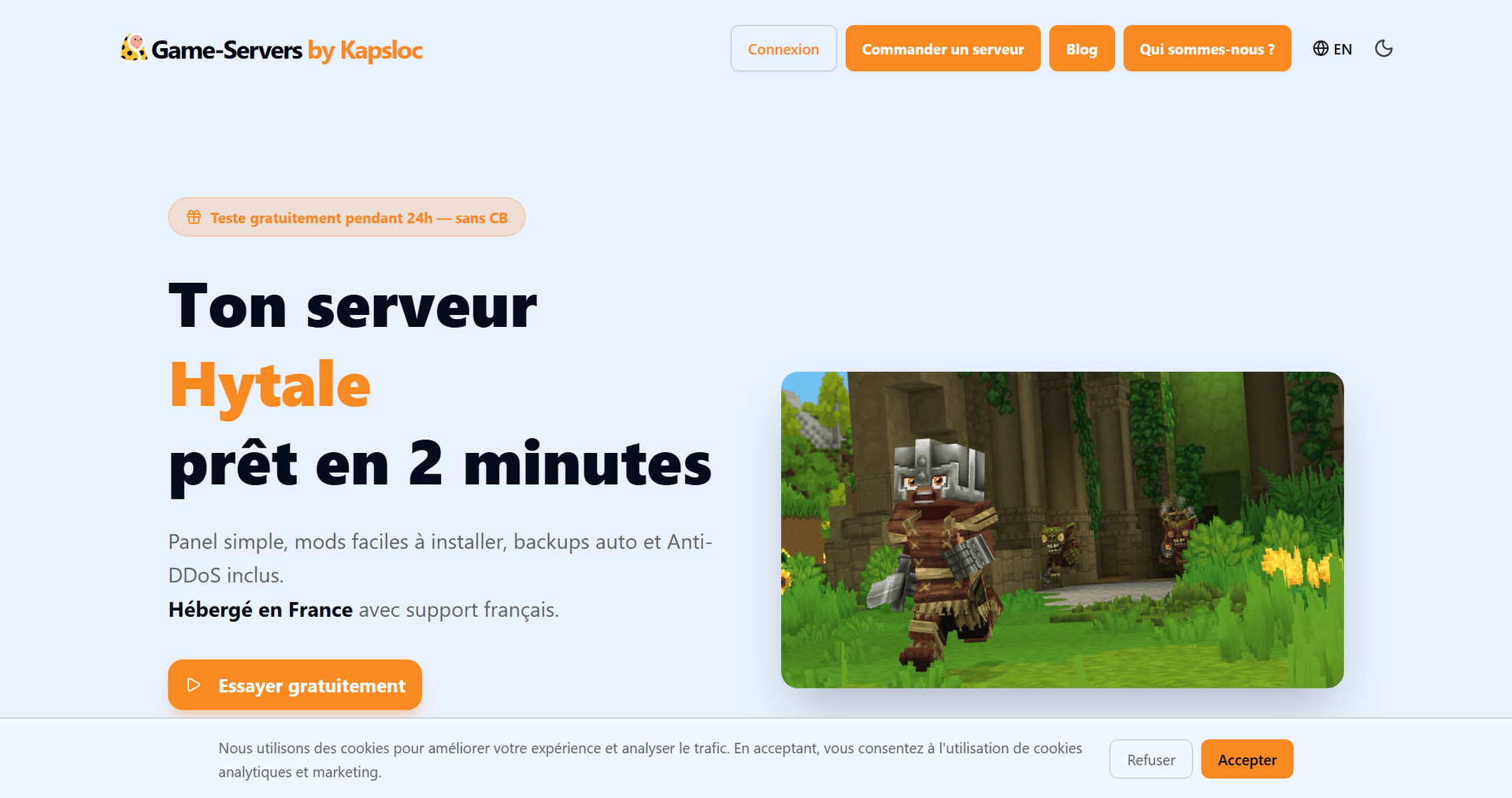
Which Mods Should You Install on Your Hytale Server?
The top 5 Hytale mods in January 2026
Gameservers now lets you install mods on your servers in just a few clicks — simple and effective!
In this article you'll find the top 5 most downloaded mods from the first days after Hytale's release.
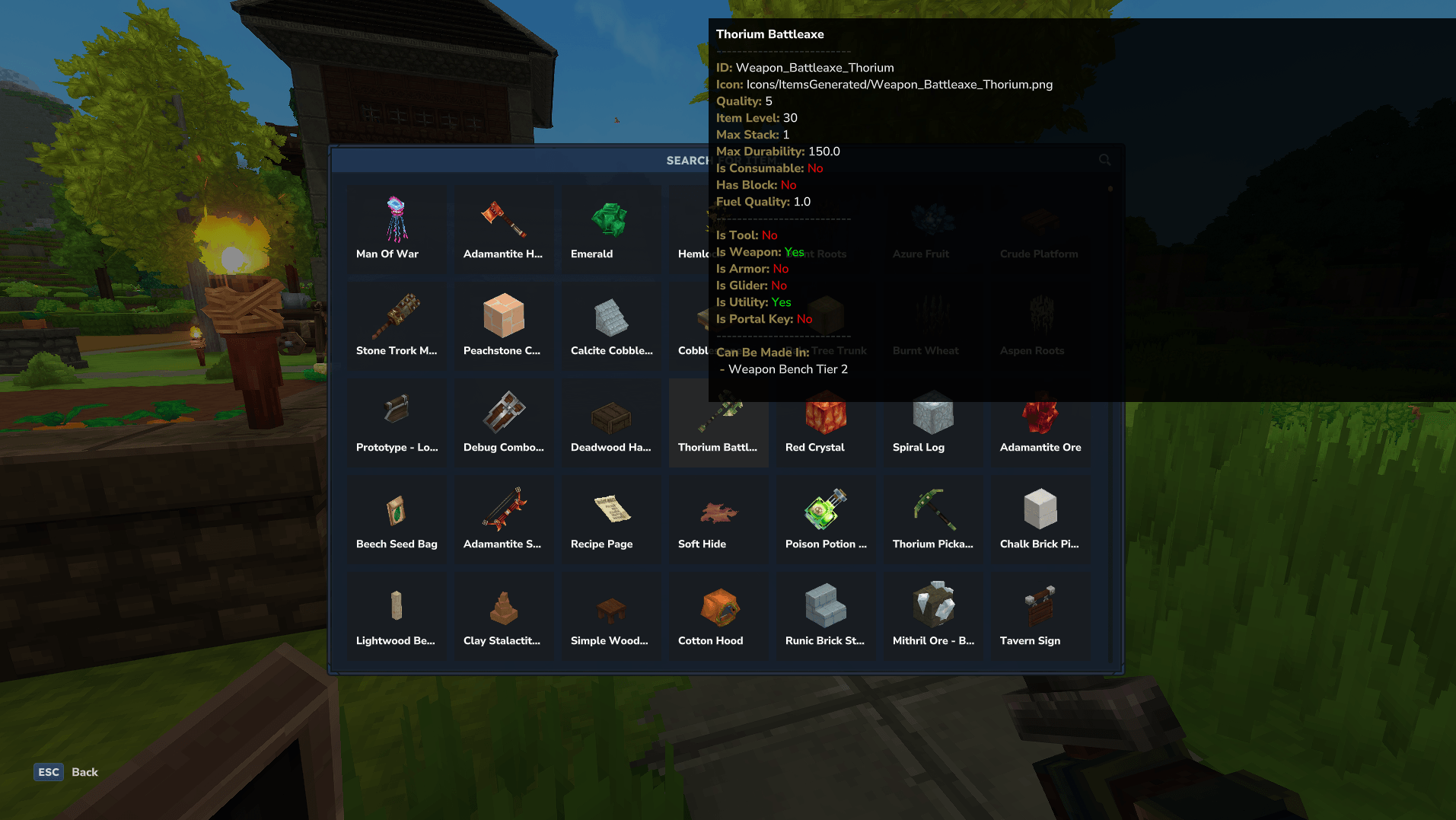
Advanced Item Info - to understand everything about items
This mod adds a graphical interface that lets you search every item in the game and displays key information about them, such as durability, level, which workbench is used to craft it and so on...
To open it, just type the /advancedinfo command while connected to the server.
EyeSpy - to identify things at a glance
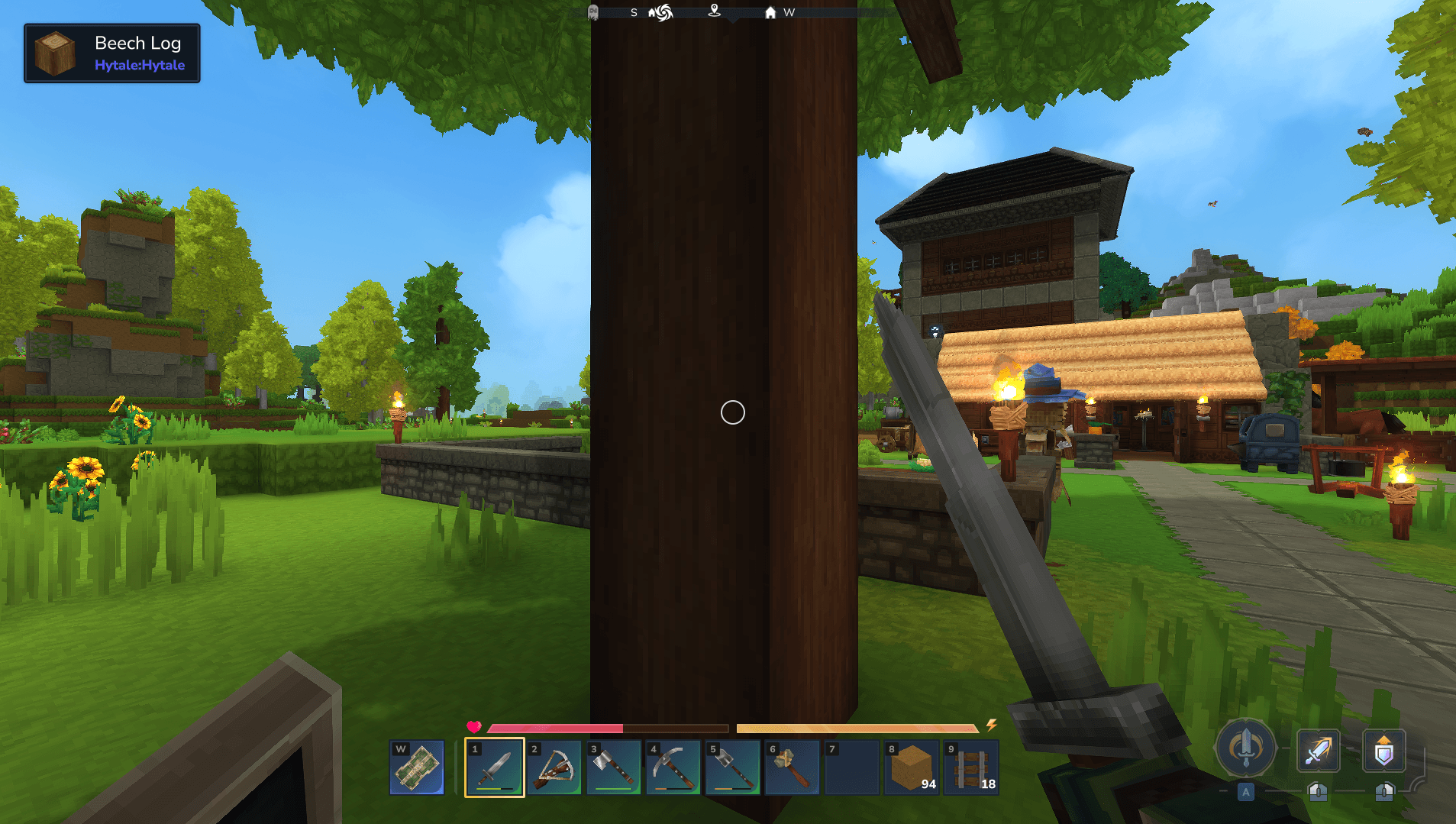
Adds a HUD that gives you information about the objects you're looking at. This mod comes in really handy when you're hunting for a specific item for a craft, like Azure Log wood to upgrade your weapon workbench. No more chopping down every type of tree until you find it — one glance and you'll know whether you're in the right forest.
Ymmersive Melodies - to import your own music
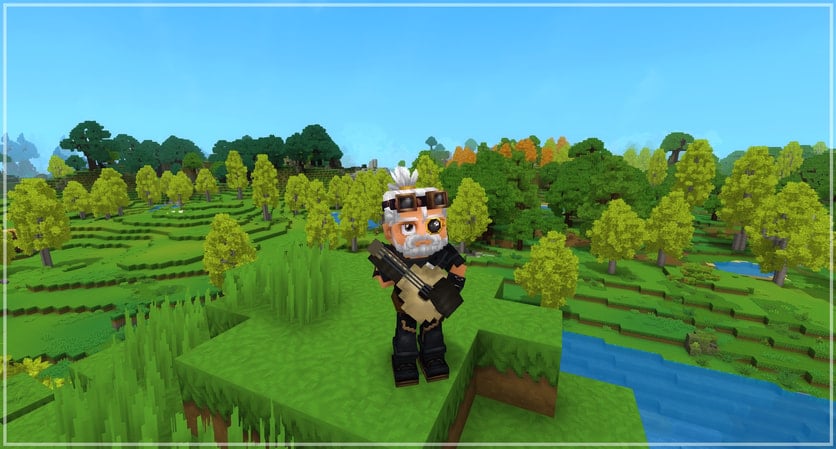
Annoy your friends with a set of instruments and custom MIDI files you can download and import yourself!
Violet's Furnishings - for decoration
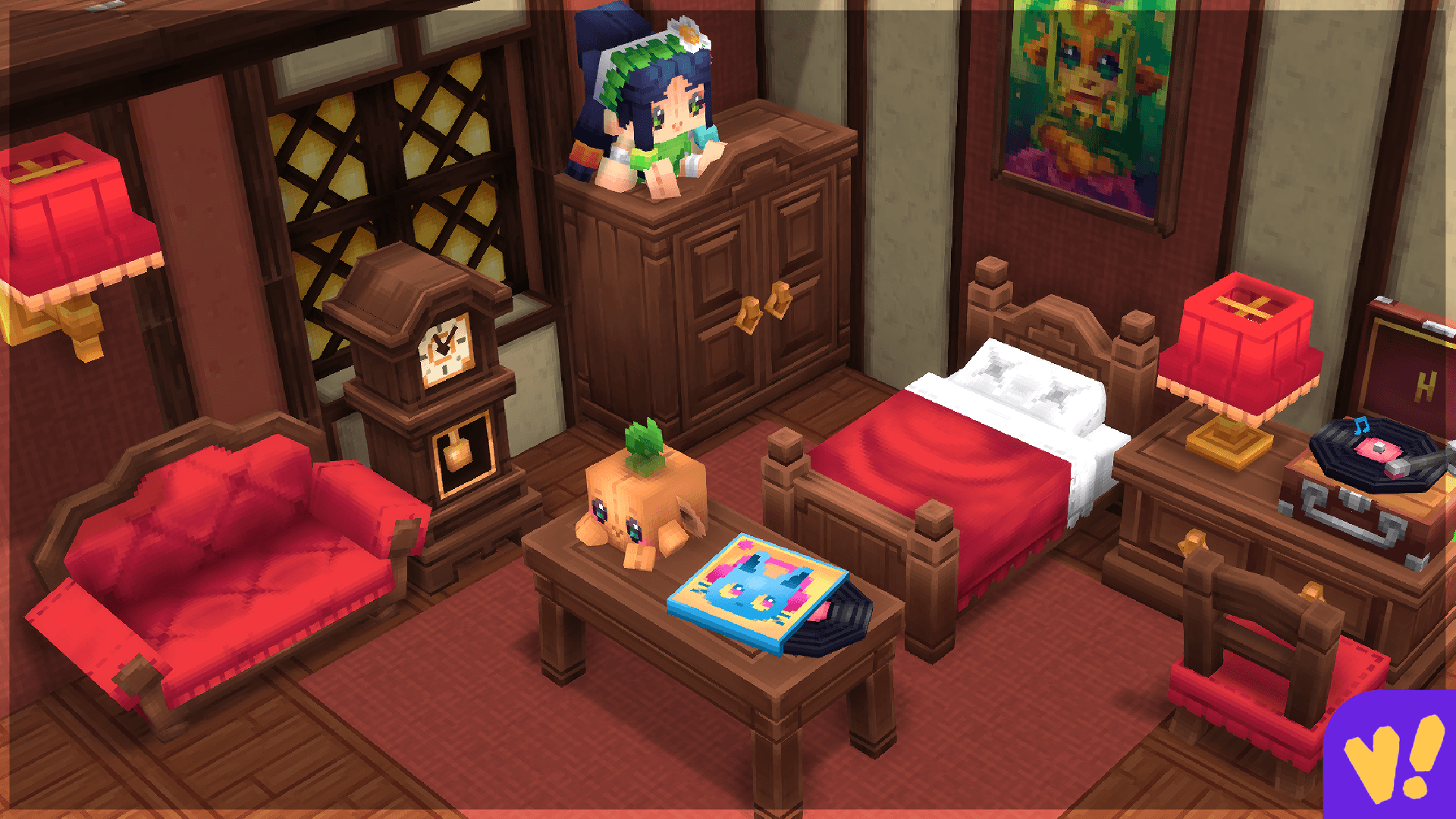
Adds unique furniture and decorative items to Hytale, ranging from themed sets in different color styles to interactive decorations, light fixtures, statues, original artwork and much more.
Wan's Wonder Weapons - to get more weapons
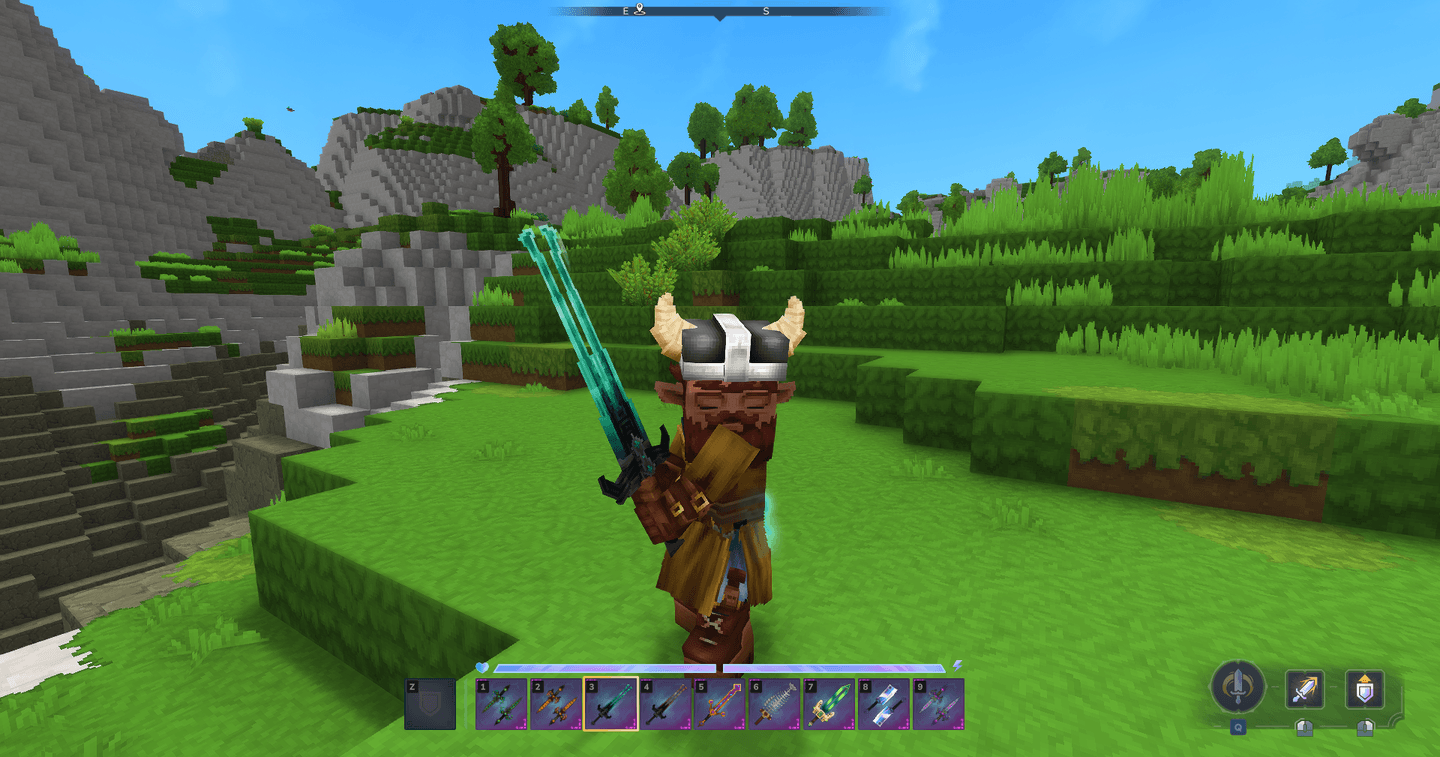
This mod adds tons of weapons, especially elemental ones!
Installing mods on your Hytale server
Installing on your custom server
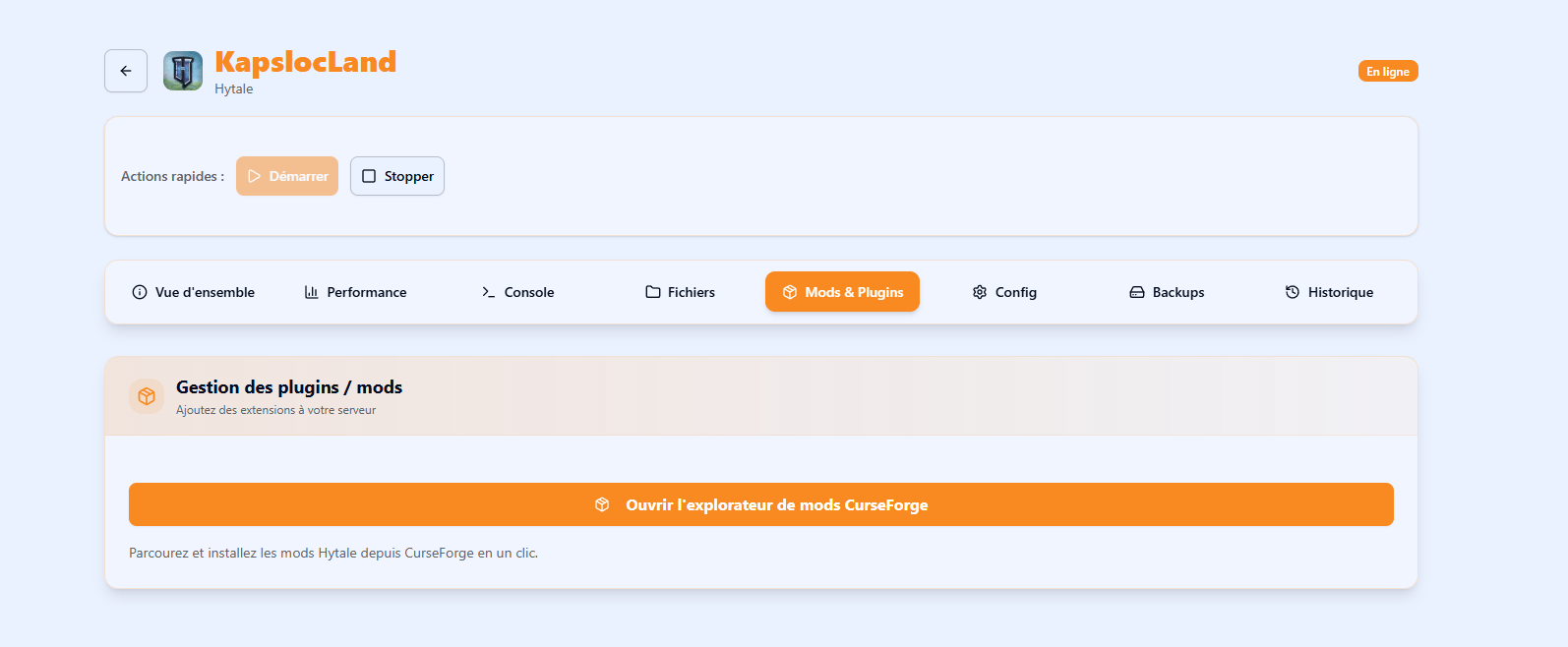
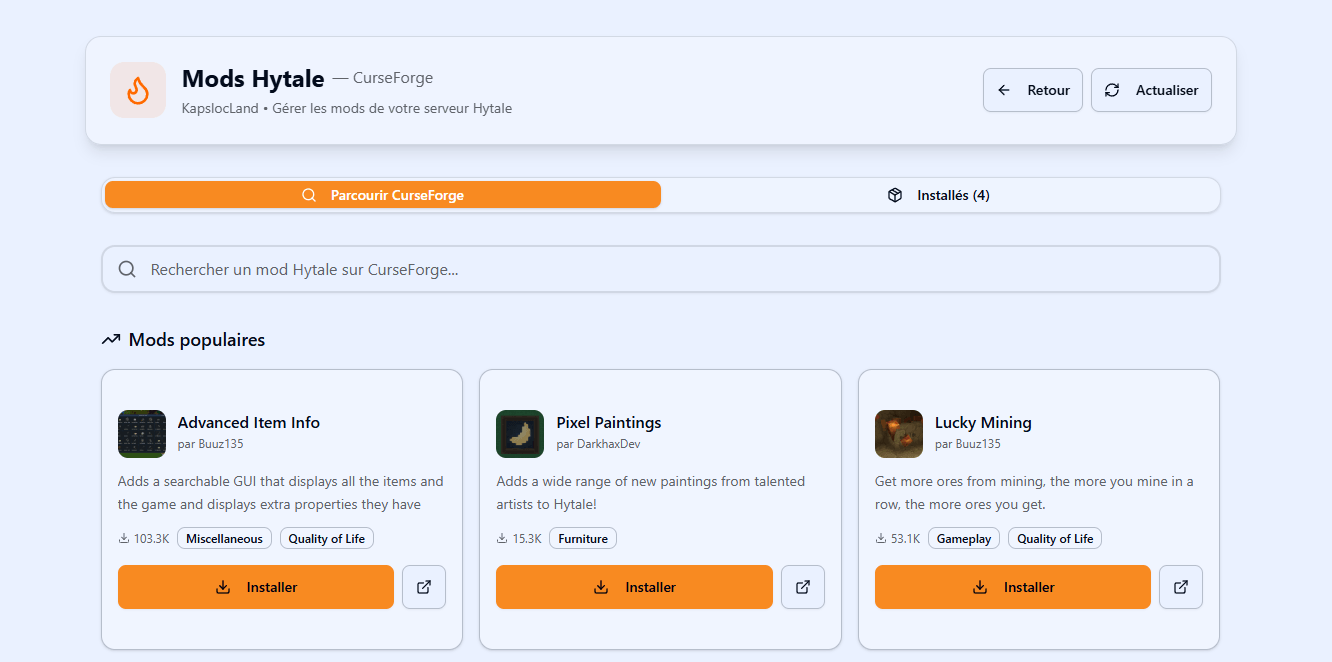
Once your server is created and online, head to the "Mods & Plugins" tab. This will offer to open the CurseForge explorer. Just proceed as you would on CurseForge: type the name of the mod you want and click install. You'll then need to restart the server for the changes to take effect.
1. Open the mod installer tab
2. Search for the mod you want to install
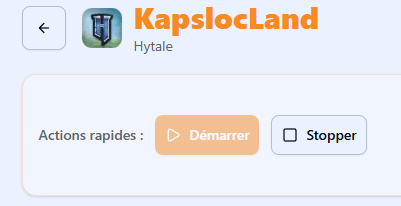
3. Restart your server
Use the "Stop" then "Start" buttons in the server management panel.
And don't forget to run the Hytale authentication again after the restart!
Feel free to share your feedback or contact us through support if you run into any trouble — we'll be there to help!
Have a great game!