The Best Minecraft Server Mods (2026)
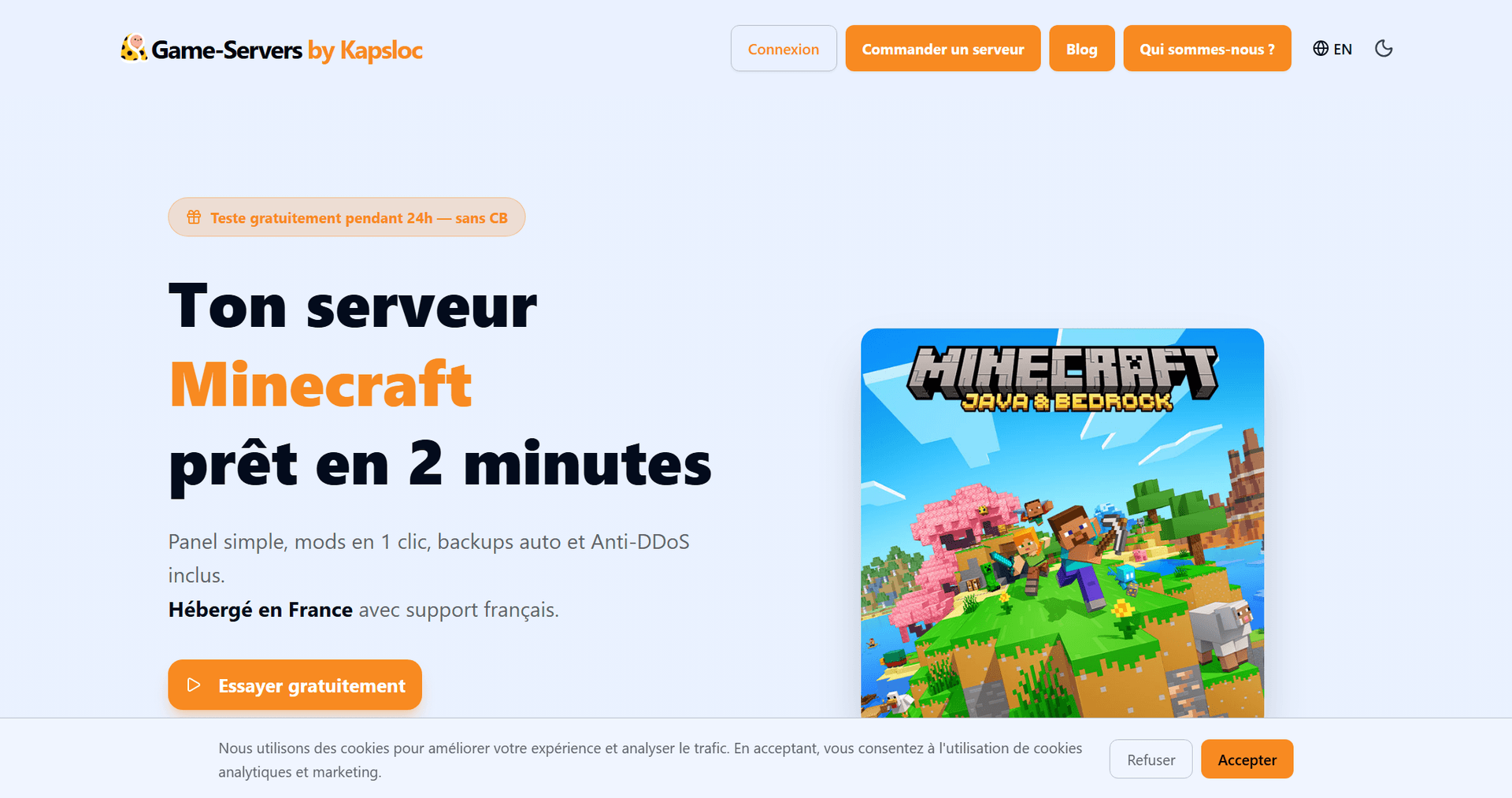
A modded Minecraft server is your chance to completely transform the game for your whole community: automation, new dimensions, creatures, quality-of-life survival tweaks… As long as you pick the right mods — the ones that hold up over time and truly shine in multiplayer. Here's our pick of the best Minecraft mods to install on a server in 2026, with what each one brings and why it works so well with other players. At the end of the article, we'll see how to add them in just a few clicks.
Before you start: Forge, Fabric or NeoForge?
Most of the mods below are available on Forge and/or NeoForge, the go-to loaders for big content packs. Fabric is aimed more at lightweight and performance mods. The key rule: every player and the server must run the same loader and the same version. If you're just getting started, our guide to setting up a modded Minecraft server walks through the whole process.
The best Minecraft server mods
1. Create — automation that wows
Mechanical machines, conveyor belts, trains… Create has become the benchmark for building spectacular factories as a team. Perfect on a server: everyone pitches in on one shared mega-factory.
2. Just Enough Items (JEI) — a must-have
Shows every crafting recipe with a single click. On a modded server with hundreds of items, JEI is practically mandatory so your players never get lost.
3. Applied Energistics 2 — the ultimate storage
A digital storage and automation system. Perfect for managing a shared base's resources without endless walls of chests.
4. Mekanism — large-scale tech
Power generation, factories, progressive gear: Mekanism delivers a progression curve that keeps a community busy for weeks.
5. Waystones — the ultimate multiplayer comfort
Teleport points you place around the world. On a server, it's a game-changer: your players link up their bases and meet up without crossing the map on foot.
6. Twilight Forest — a whole new dimension to explore
An entire dimension packed with dungeons and bosses. Excellent group content: head out on expeditions together.
7. Alex's Mobs — a living world
Dozens of unique creatures that spice up exploration and combat. Simple, popular, and compatible with most packs.
8. Farmer's Delight — tastier survival
Cooking, improved farming, meals to share. Adds a layer of comfort and coziness that community servers love.
9. Biomes O' Plenty — a more varied world
Dozens of new biomes for far richer landscapes. Enable it at world generation for a spectacular playground.
10. Sodium / Lithium (or the Forge optimizations) — performance
On a mod-heavy server, performance optimizations make all the difference against lag. A must-have as soon as your pack starts growing.
How to add these mods to your server
On Game-Servers, there's nothing to install by hand: you pick your loader (Forge, Fabric, NeoForge) and version right in the configurator, then add your mods from the management panel. The server handles the rest, and your players grab the pack when they connect.
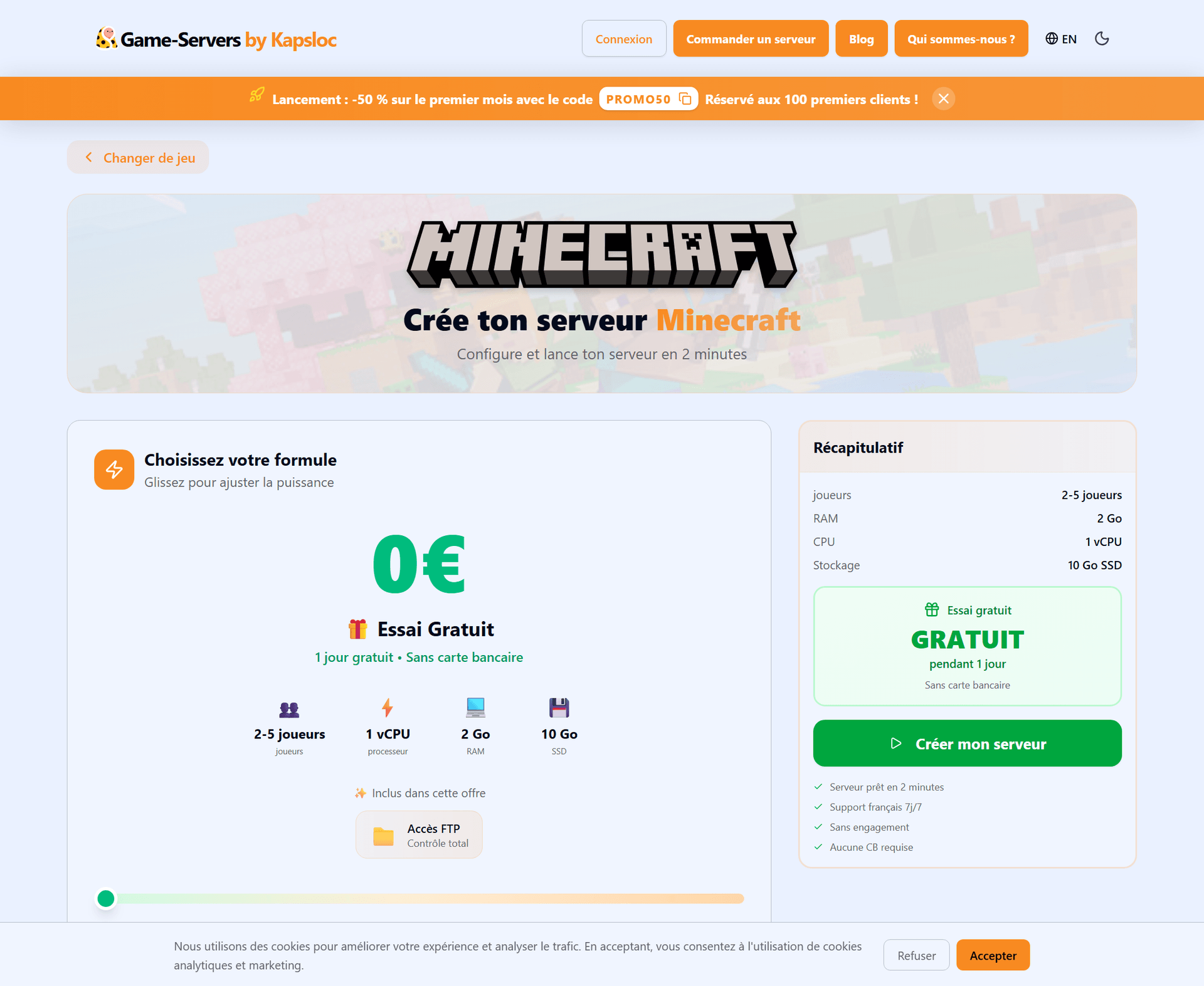
All of it hosted in France, with automatic updates and a 24-hour free trial — no credit card — to test your pack before diving in.
FAQ
How much RAM for a modded Minecraft server?
Plan on at least 4 GB for an average pack, more for big modpacks. The more mods and players you have, the more memory you need.
Do players need to install the mods on their end?
Yes — for Forge/NeoForge/Fabric mods, every player needs the same pack as the server. The easiest way is to share a ready-to-use modpack.
Can I switch packs later?
Yes, you keep full control through file access. Just remember to back up before a big mod overhaul.
Ready to build your modded server?
With the right loader, a handful of well-chosen mods and hosting that keeps up, a modded Minecraft server becomes an endless playground for your community. Pick your mods, launch your server and invite your friends.
👉 Launch your modded Minecraft server — 24h free trial, no credit card