Palworld: The Complete Multiplayer Guide (2026)
Palworld is best enjoyed with friends: catching Pals, building bases, fighting off raids, and exploring Palpagos together is where the game truly shines. But between invite-code co-op, capped at 4 players, and a dedicated server that hosts 32 in a persistent world, the options are far from equal. This 2026 guide covers Palworld multiplayer from top to bottom: the different modes, their limits, how to create your own server, and the settings that genuinely change the game.
The three ways to play Palworld multiplayer
1. Invite-code co-op (up to 4 players)
This is the simplest mode: the host launches their game, enables multiplayer in the world options, and shares their invite code. Friends join within seconds. But that convenience comes with three serious limits: the session is capped at 4 players, the world only exists while the host is playing (everyone gets disconnected when they leave), and performance depends on their machine and connection.
2. The dedicated server (up to 32 players)
A dedicated server hosts the world 24/7, regardless of who's connected. It's the mode built for communities: up to 32 simultaneous players, a world that keeps on living (breeding, base production, egg incubation) even when nobody's online, and fully customizable server settings. It's the option we detail in this guide.
3. Crossplay
Since its major updates, Palworld supports crossplay between Steam, Xbox, PlayStation 5, and Mac on dedicated servers that enable it. In practice, your friends can join the same server no matter their platform — a real win for mixed PC/console groups.
Why choose a Palworld dedicated server?
A persistent world: your bases keep producing, your Pals keep working, and your eggs keep incubating even while you're offline. In a game where base automation is central, that's decisive.
Play without the host: everyone connects whenever they want, with no dependence on one player's machine.
Up to 32 players and multiple guilds: enough to sustain a real community, complete with guild rivalries and group raids.
Rules made to measure: XP rate, catch rate, difficulty, PvP, death penalties… everything is set server-side.
Stable performance: the server runs on dedicated hardware, not on the host's PC between sessions.
Creating your Palworld server: self-hosting or a hosting provider?
Self-hosting (free but demanding)
Palworld provides an official dedicated server via Steam (SteamCMD). You can install it on a machine of your own, but be prepared: the server is memory-hungry (8 GB of RAM minimum, 16 GB recommended for smooth multiplayer — usage climbs with the number of bases and Pals), you need to open UDP port 8211 on your router, keep up with the game's frequent updates, handle backups, and leave the machine running around the clock.
Managed hosting (ready in 2 minutes)
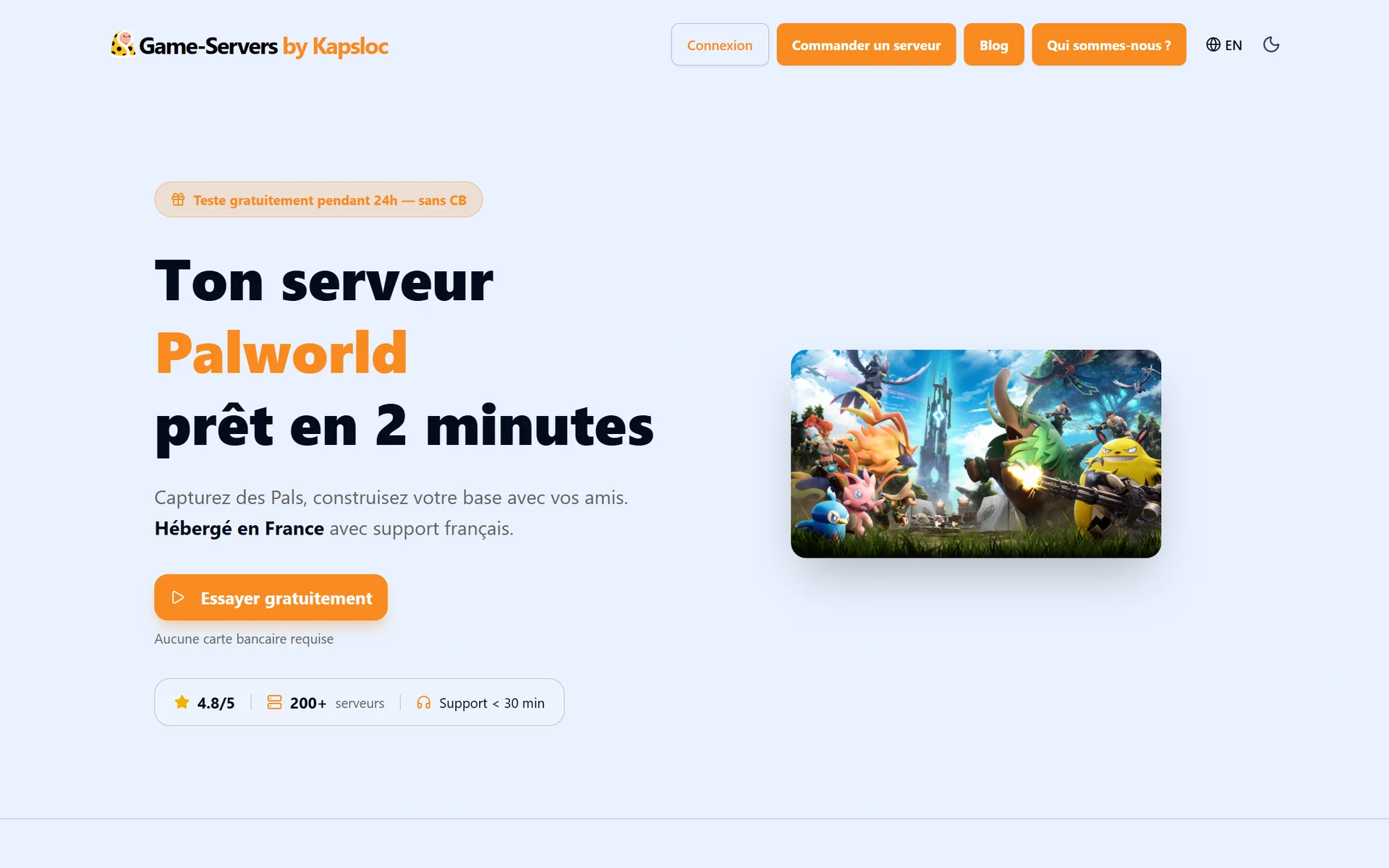
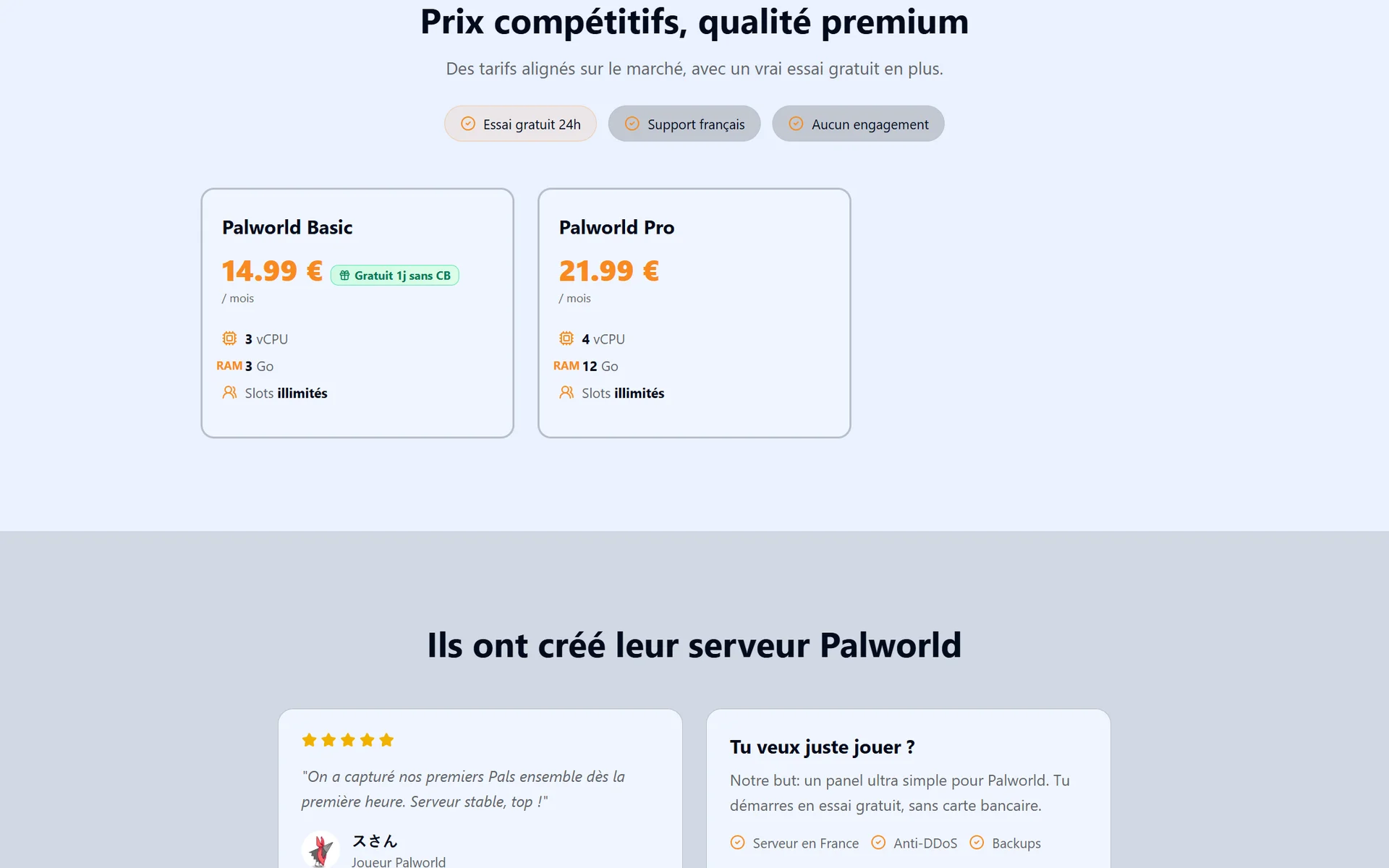
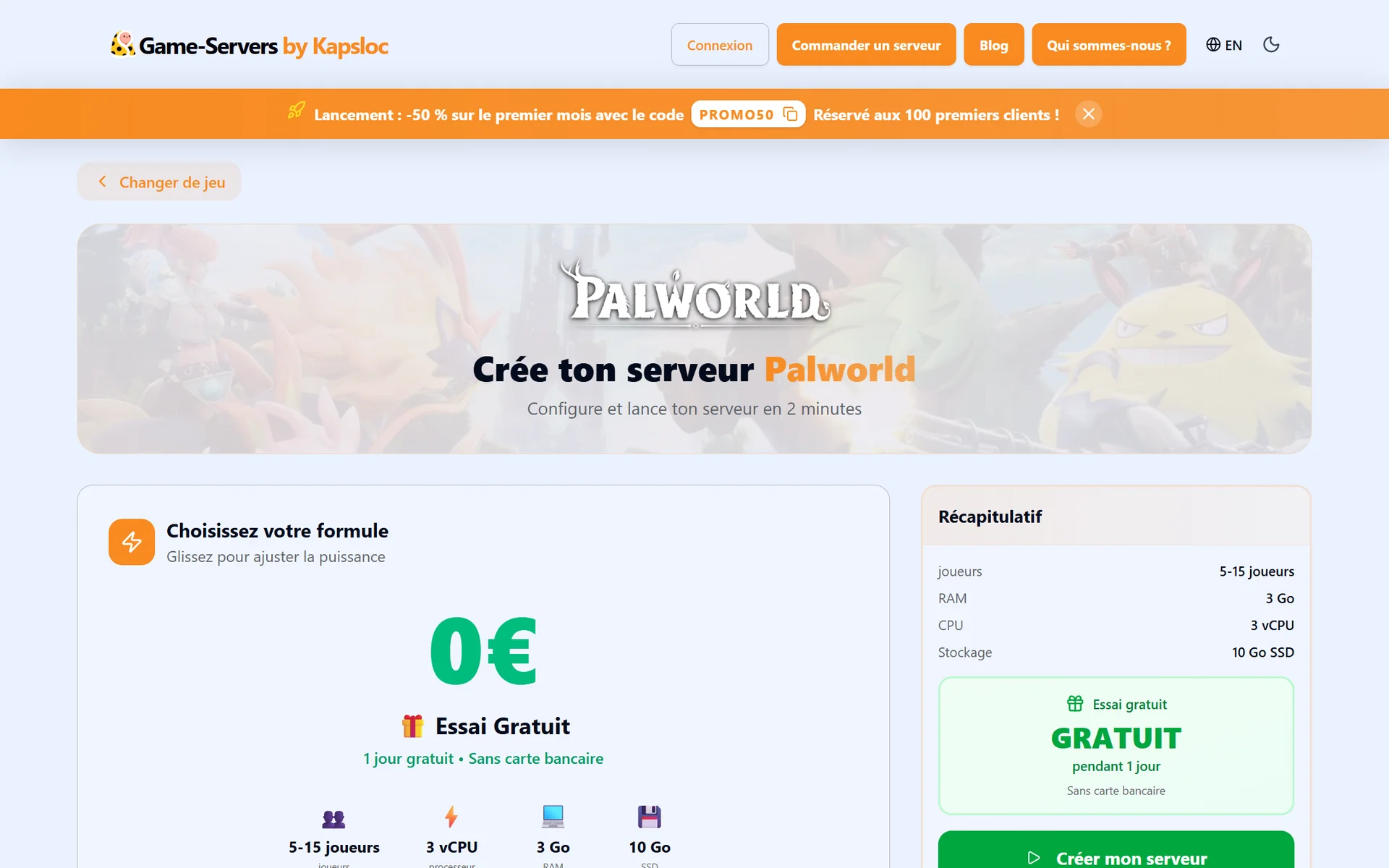
A hosting provider takes care of everything: installation, automatic server updates with every Pocketpair patch, backups, DDoS protection, and a configuration panel. At Game-Servers by Kapsloc, your Palworld server is online in under two minutes, always running the latest version of the game, from €14.99/month (Basic plan for small groups) or €21.99/month with 12 GB of RAM (Pro plan, recommended beyond a handful of players and for well-developed worlds).
The server settings that change the game
The real power of a dedicated server lies in its configuration file (PalWorldSettings.ini) — or, on a managed server, the settings panel. The most important parameters:
XP rate (ExpRate): speed up progression for a laid-back server, or leave it at 1 for the original experience.
Catch rate (PalCaptureRate): above 1, Pals become easier to catch — ideal for a family-friendly server.
Day/night cycle speed: shorter nights make the early game less punishing.
PvP and player damage: disabled by default; only enable them if your community wants to fight.
Death penalty (DeathPenalty): from "lose nothing" to "drop your entire inventory," this is the most sensitive difficulty dial.
Base raids (EnableInvaderEnemy): the enemy waves that attack your bases — turn them off for a 100% building-focused server.
Guild size (GuildPlayerMaxNum): 20 by default, adjustable to match the size of your community.
Server password: to keep the server friends-only, even if it shows up in the community server list.
Getting started as a group: the right habits
One shared guild or rival guilds? In the same guild, you share bases and Pals — perfect for co-op. In separate guilds, everyone develops their own camp: slower, but livelier on a big server.
Split the roles: one player gears their Pal team toward production (wood, stone, food), another toward combat, a third toward breeding and eggs. That complementarity saves a huge amount of time.
Space out your bases: each guild has a limited number of bases — place them near coal seams, ore deposits, or strategic waypoints.
Think about backups: on a managed server, check that automatic backups are enabled before you commit to monumental builds.
FAQ
How many players can join a Palworld server?
Up to 4 players in invite-code co-op, and up to 32 players on a dedicated server.
Is crossplay possible?
Yes: dedicated servers can enable crossplay between Steam, Xbox, PlayStation 5, and Mac. All your friends join the same world, whatever they play on.
What specs do you need for a Palworld server?
Plan on 8 GB of RAM minimum, and 12 to 16 GB for a busy server or an advanced world: memory is Palworld's limiting factor. Network-wise, the server listens on UDP port 8211.
Does my world keep running while I'm offline?
On a dedicated server, yes: base production, breeding, and incubation keep going 24/7. That's the big difference from an invite-code session, which stops with the host.
Do you have to pay to play multiplayer?
4-player invite-code co-op is included with the game. For a dedicated server, either host it yourself for free (hardware and maintenance on you), or go through a hosting provider from €14.99/month.
Conclusion
Multiplayer is the beating heart of Palworld: 4-player invite-code co-op to discover the game, then a dedicated server once your group grows or you want a world that lives on without you. With a server that's always up to date, backed up, and configurable in a few clicks, all that's left is choosing your fellow adventurers. Launch your Palworld server in 2 minutes and meet your friends on Palpagos tonight.