Rust Server: The Complete Getting Started Guide (2026)
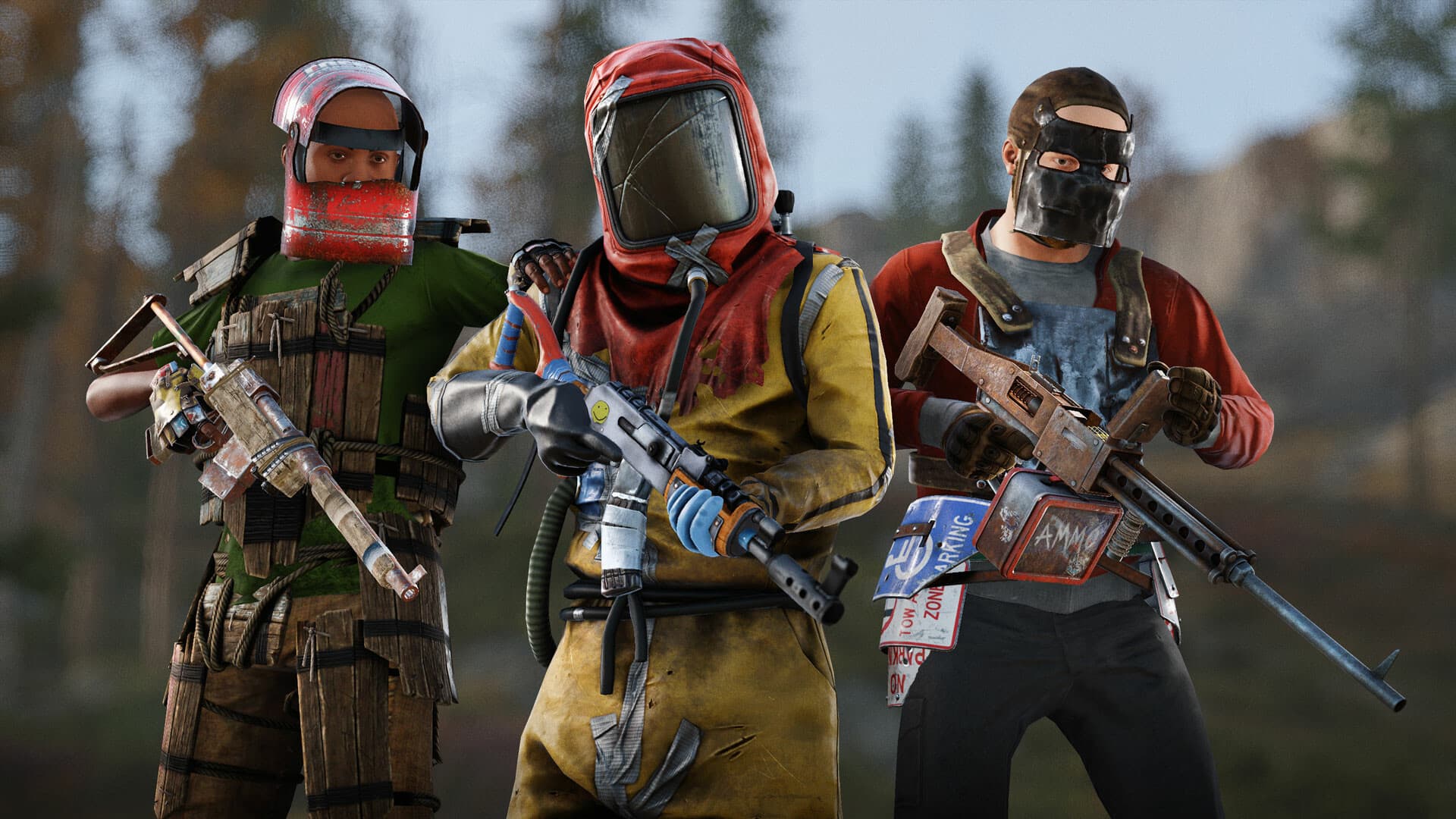
Rust is arguably the most unforgiving multiplayer survival game out there — and the most addictive. Night raids, fragile alliances, bases that rise in a matter of hours: everything happens on a server, and which server you pick completely changes the experience. Overcrowded official servers, community servers with murky rules… or your own dedicated server, with your rules, your map, and your community. This 2026 guide covers it all: why create your own Rust server, the settings that really matter (map size, seed, wipes), Oxide/uMod mods, and the horsepower you need to keep it running without a hitch.
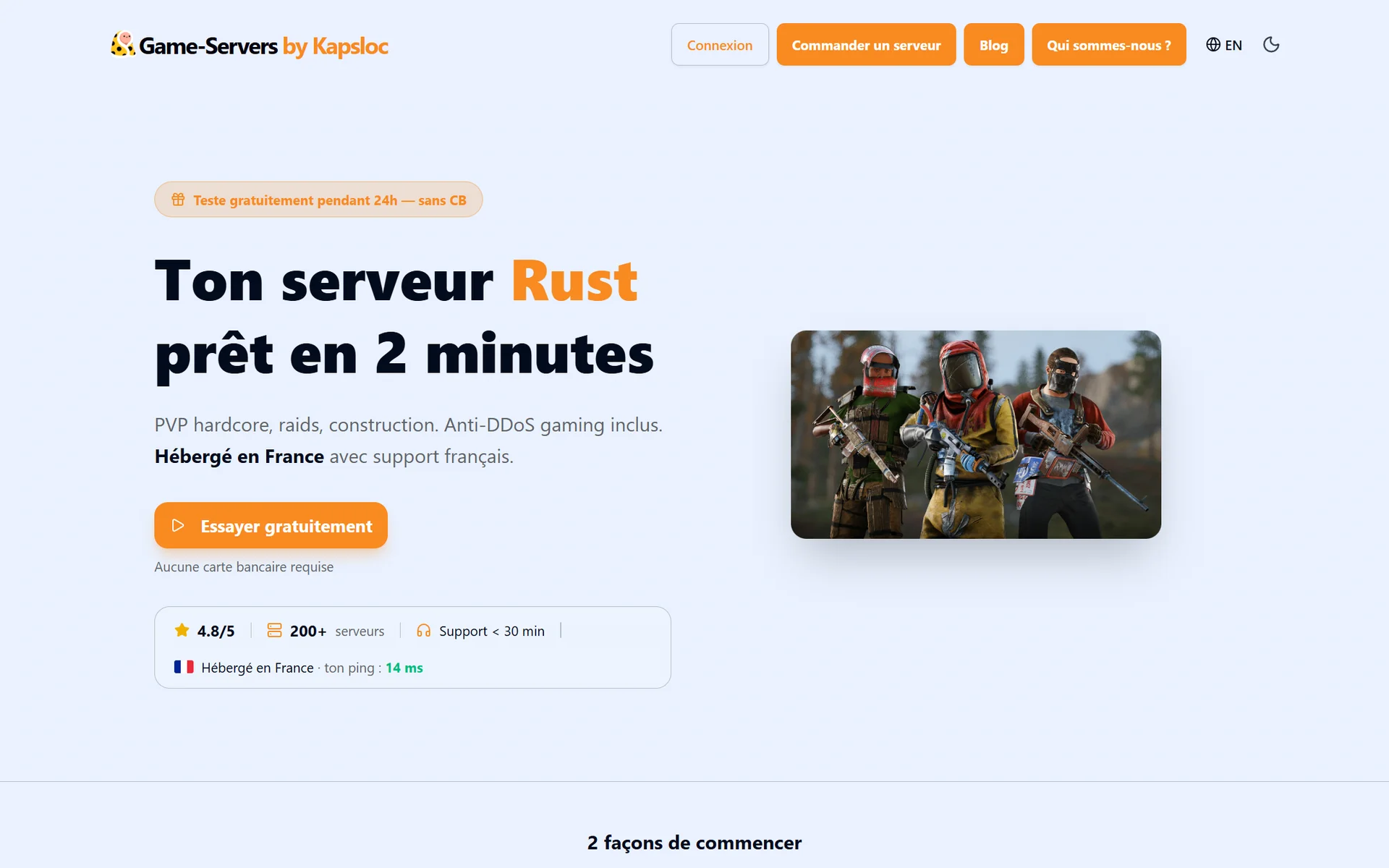
Why create your own Rust server?
Your rules, not someone else's: permanent PvP or safe zones, gather rates, maximum group size… on your server, you decide the meta.
A map shaped to your liking: map size and seed are your call. A small, tense map for close-quarters combat, a big map for long farming campaigns and hidden bases.
Your community, without cheaters or ghost admins: you control the player list, bans, and moderation. No more community servers shutting down without warning with your base on them.
Mods: quality-of-life, economy, teleport, kits… the Oxide/uMod ecosystem transforms the game. Impossible on official servers.
Stability: a dedicated server runs 24/7 on reserved hardware. No lag because the host started a stream.
Self-hosting or a hosting provider: the true cost of a Rust server
Facepunch provides the official dedicated server via SteamCMD, free to install on your own machine. But Rust is one of the most demanding game servers on the market: expect 8 GB of RAM minimum just for a standard map, a good ten gigabytes of server files, and a solid CPU — map generation alone can take several minutes.
Above all, Rust runs on a schedule few games have: the monthly force wipe. On the first Thursday of every month, Facepunch ships a mandatory update — every server must install it immediately, or nobody can connect anymore. If your server runs at home, you have to be at your machine that evening, every month, no exceptions. That's exactly the kind of constraint a managed host absorbs for you: at Game-Servers, updates are detected, tested, and deployed automatically — on wipe day, your server is back up without you lifting a finger.
Create your Rust server in 3 steps
With a managed host, launching takes two minutes:
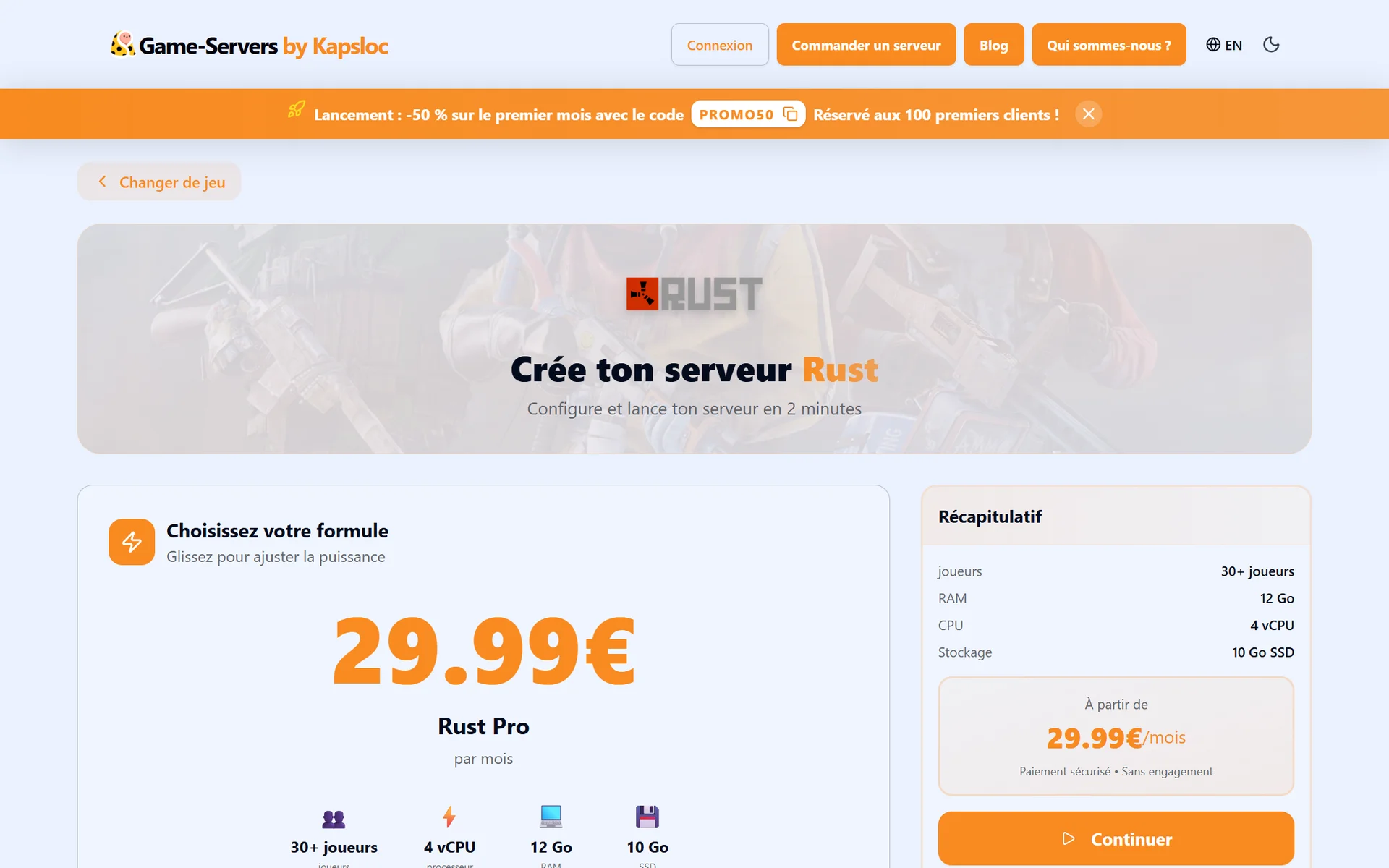
1. Pick your plan: adjust the power with a simple slider based on the size of your community.
2. Configure your world: map size, seed, player count, RCON password — all in one clear form, editable later.
3. Launch: the server installs and starts on its own. Share the address with your friends and you're off.
The settings that really change the game
Map size
This is THE structural setting. Maps range from 1,000 to 6,000 meters per side (3,500 by default). Below 3,000, encounters are constant: perfect for a small group that wants fast-paced PvP. Above 4,500, it's all about long expeditions and remote bases — but beware, the bigger the map, the more RAM the server consumes.
The seed
The seed determines map generation: rivers, monuments, cliffs. Two servers with the same seed and the same size generate exactly the same map. Rust communities trade their best seeds — and changing yours at every wipe completely refreshes the game.
Player count
From 10 to 500 slots depending on your ambitions. Be realistic: a friends-only server runs great at 15-30 players, and the RAM you need climbs with population just as it does with map size.
The RCON password
RCON lets you administer the server remotely: commands, kicks, bans, global messages. Set a strong password right at creation — it's the key to your server.
The tutorial island
Optional, it lets newcomers learn the basics (crafting, campfire, bow) before landing on the main island. Useful if your community welcomes beginners; unnecessary among veterans.
Mods and plugins: the Oxide/uMod ecosystem
The great strength of a community server is Oxide/uMod plugins: simple .cs files you drop into the server folder. Among the must-haves: Gather Manager (gather rates), Kits (starter loadouts), Teleportation (TP and home), Clans, or Bluepr-style plugins to fine-tune progression. The uMod catalog counts hundreds of them, and the Steam Workshop adds custom maps and tools. On our panel, a dedicated manager lets you upload your plugins and install Workshop content without ever touching FTP.
Wipes: the heartbeat of Rust
The force wipe (mandatory): on the first Thursday of every month, Facepunch's update wipes the map on every server. It's the great monthly reset — and often your server's population peak.
The blueprint wipe (your call): also erasing learned blueprints truly puts everyone back to square one. Many servers do it monthly or every other month.
Between wipes: it's up to you. Some servers wipe every week to keep a frantic pace, others give builders the whole month.
Admin tip: announce your wipe schedule in the server title or description. Rust players choose their server based on it — a "weekly wipe Thursday 8pm" attracts a very different crowd than a "monthly map-only wipe."
How much power does your Rust server need?
Rust is demanding, and RAM is the deciding factor: the entire map and every build live in memory.
8 GB RAM / 2 vCPUs — small group (10-20 players), map ≤ 3,500 m: the comfortable entry point.
12 GB RAM / 4 vCPUs — the community format (20-50 players), standard to large map, a few plugins: the best power-to-price ratio for most servers.
16 GB RAM / 8 vCPUs — big public server, large map, dense population, and a stack of plugins: the headroom you need to stay smooth on wipe nights.
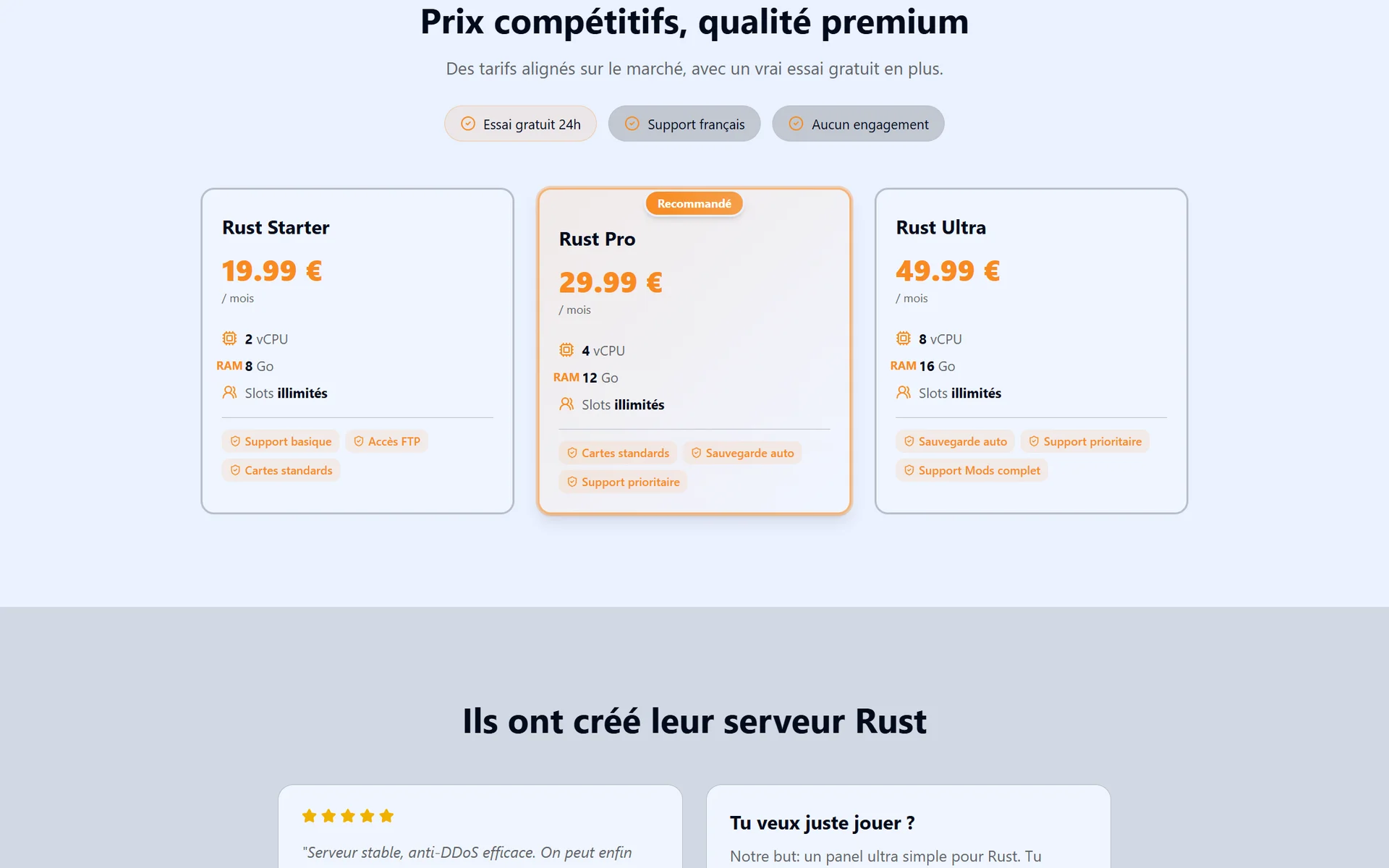
All our Rust servers run on dedicated hardware hosted in France, with gaming anti-DDoS included — in a game where stream-sniping and revenge attacks are a real thing, that's no luxury — and your ping is displayed live on the page before you even order.
FAQ
How much RAM for a Rust server?
8 GB minimum for a standard map and a small group. Move up to 12-16 GB as soon as the map exceeds 4,000 m, the population grows, or you start stacking plugins: memory usage rises over the course of a wipe as players build.
Can you change your server's map?
Yes: change the size and seed, then restart — the new map is generated at startup. The natural moment to do it is at wipe time.
Is crossplay possible in Rust?
No. Rust on PC (Steam) and Rust Console Edition are two separate games with separate servers. A dedicated server hosts Steam players.
Is the monthly wipe really mandatory?
The first-Thursday-of-the-month update wipes the map on every server, no exceptions — it's enforced by the game itself. Blueprints, on the other hand, are only wiped if you decide so.
How do I administer my server day to day?
Through RCON (remote commands) and your hosting panel: live console, backups, restarts, file and plugin management. On a managed server, automatic backups run in the background.
Conclusion
A Rust server of your own is the difference between enduring someone else's meta and building your own: your map, your wipe schedule, your mods, your community. Self-hosting remains an option for well-equipped tinkerers, but between the RAM requirements and the monthly force wipe that waits for no one, a managed server — always up to date, backed up, protected — frees you up for what matters: playing. Launch your Rust server in 2 minutes and be ready for the next wipe. And if your group is still torn between survival games, check out our Palworld multiplayer guide.